(O2O) In-store Pick-up Order | How to Change the Recipient's Phone Number
Once payment for an order has been confirmed, the recipient's phone number cannot be changed directly in the system.
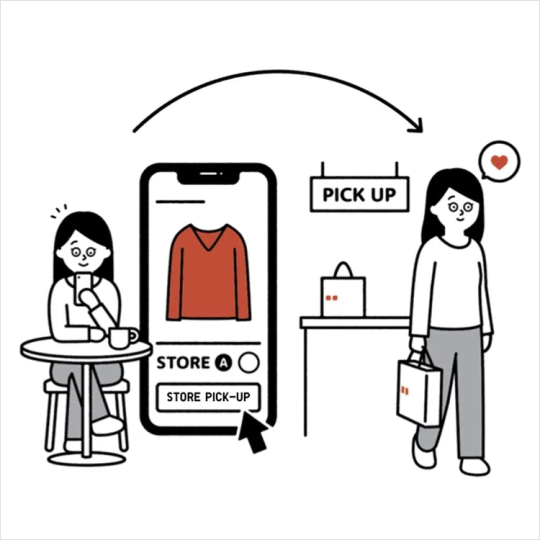
When the order status is updated to [ Ready for Pickup ], you may collect the order by presenting the Pick-up Code received via SMS or the Pickup QR Code available under [ Pick-up History ] in the UNIQLO App.
※ QR Code is registered trademark of DENSO WAVE INCORPORATED.
If you need to resend the Pick-up Code SMS to a different phone number, please follow the steps below :
1. Log in to your UNIQLO membership account and go to [ Member ] > [ Order Center ].
2. Click [ Pick-up History ].
3. Select [ Pick-up Code Details ]
4. Click [ Resend Pick-up Code ] and enter the new phone number.
5. The system will automatically send the pickup code SMS to the new phone number within 5–10 minutes.
※ Please note that the Pick-up code SMS can only be resent once per day.
Kindly ensure that the phone number entered is correct before submitting the request.
Contact UNIQLO Hong Kong & Macau
 Contact Us
* If our Chatbot is unable to reply to your inquiry, our Live Chat Agent will provide further assistance to you.
* Live Agent Support is available Mon- Sun 9am-6pm.
(Including Public Holidays & Weekend)
* 如希望連接中文版智能聊天室,請於進入聊天室前,先於右上角選擇語言為「中文」。