Inventory Stock | How to check product availability
You may check the inventory status on each product page.
The steps to check store inventory are as follows :
1. Please click [ Check out in-store inventory ]
2. Select the color and size you wish to inquire then click [ Search ]
※ By clicking [ Search ], you may check the stock for all branches.
If you need to check any specific store, you can also enter the store name or select a region to check.
※ After opened the location on UNIQLO APP, the inventory of nearby stores will be displayed.
3. After clicking [ Search ], you can confirm the stock status of the relevant store
How to check product inventory :
After checking the product inventory status, the following search results will be displayed :
| Results | Inventory Status |
|---|---|
| In Stock | 4 or more items available |
| Low Stock | 2-3 items left |
| Out of Stock | Less than 1 item or out of stock |
※ The inventory status is not real-time but an earlier record. We suggest to contact our stores for the most updated situation before your visit.
※ Please note that we do not offer reservations by phone.
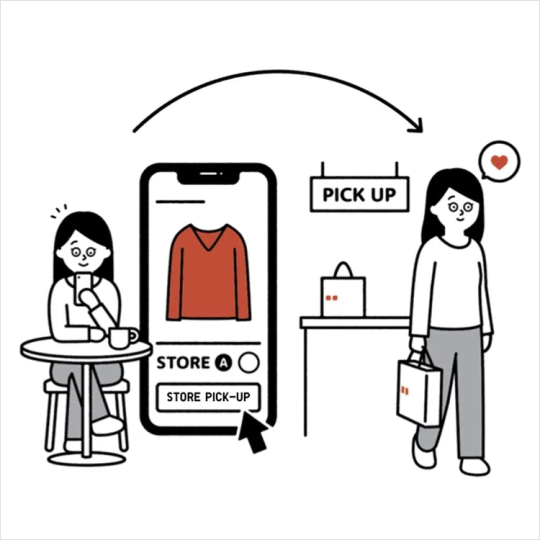
※ This inventory does not equal the inventory available for (O2O) Pick-up in-store order.
※ Some products may not be available for stock search.
Contact UNIQLO Hong Kong & Macau
 Contact Us
* If our Chatbot is unable to reply to your inquiry, our Live Chat Agent will provide further assistance to you.
* Live Agent Support is available Mon- Sun 9am-6pm.
(Including Public Holidays & Weekend)
* 如希望連接中文版智能聊天室,請於進入聊天室前,先於右上角選擇語言為「中文」。