Haven't Received An Pick-up SMS Or Notification
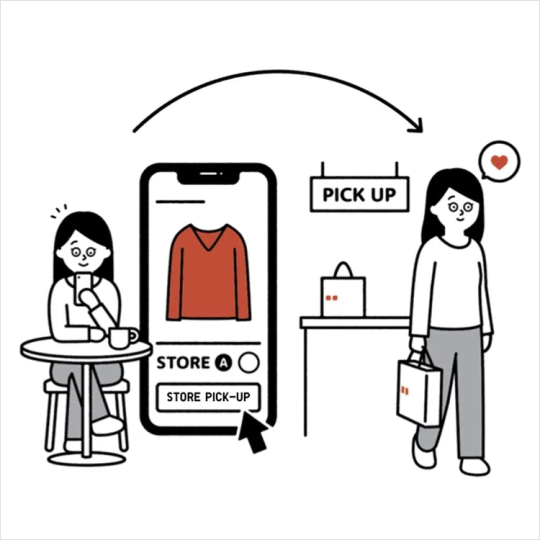
For [ (O2O) In-store Pick-up ] and [ (O2O) In-store Pick-up with Warehouse Transfer ] orders, if you have not received a pickup notification, it is likely that the recipient’s phone number was entered incorrectly.
You may check your order status and history through the UNIQLO App or UNIQLO Official Online Flagship Store under Member Center. From there, you may view the latest updates and use the pickup record to collect your order at the store.
※ For [ Home Delivery ] orders, if you need to update the recipient’s phone number or delivery address, please < Click Here > to contact our Customer Service Center for further assistance.
︙Contents
▶ How to check your order status▶ How to view your pickup record
▶ How to update an incorrect recipient phone number
1. After signing in, go to the Member Center page and click [ Online Orders ] to view your order history.
As shown in the image below :
2. On this page, you may check your order processing status.
For more detailed information about order status, please refer to the link below :
< Shopping Guide | Order Status Detail >
1. After signing in, go to the Member Center page and click [ Pick-up History ] to view your pickup information.
As shown in the image below :
2. On this page, select the corresponding order and click [ View Order Detail ] then go to [ Pick up Voucher ].
As shown in the image below :
3. Use the [ Pick-up Code ] or [ Two-Dimensional Barcode ] to collect your items at the designated store.
[ (O2O) In-store Pick-up ] or [ (O2O) In-store Pick-up with Warehouse Transfer ] orders.
It is not possible to update the recipient’s phone number or the pickup store address through the Customer Service Center.
※ For [ Home Delivery ] orders, if you need to update the recipient’s phone number or delivery address, please < Click Here > to contact our Customer Service Center for further assistance.
[ (O2O) In-store Pick-up ] or [ (O2O) In-store Pick-up with Warehouse Transfer ] orders :
1. On the Pick-up History page, select the corresponding order and click [ View Order Detail ] go to [ Pick up Voucher ].
As shown in the image below :
2. Click [ Re-Send Pick-Up Code ], enter the recipient’s mobile number in the input field, and then click [ Confirm ]. The system will send the pickup SMS again.
※ Each order can use the resend function only once per day.
※ Once the resend is successful, the original pickup code will immediately become invalid.
As shown in the image below :
Contact UNIQLO Hong Kong & Macau
 Contact Us
* If our Chatbot is unable to reply to your inquiry, our Live Chat Agent will provide further assistance to you.
* Live Agent Support is available Mon- Sun 9am-6pm.
(Including Public Holidays & Weekend)
* 如希望連接中文版智能聊天室,請於進入聊天室前,先於右上角選擇語言為「中文」。